Official Documentation
RankWPPro user guide
Set up RankWPPro, understand every major screen, and run a professional SEO workflow from inside WordPress. This guide follows the plugin interface shown in the screenshots and keeps each module easy to scan.
Version
3.2.0
Professional docs release with dashboard, sitemap, audit, editor, and module guidance.
Quick start
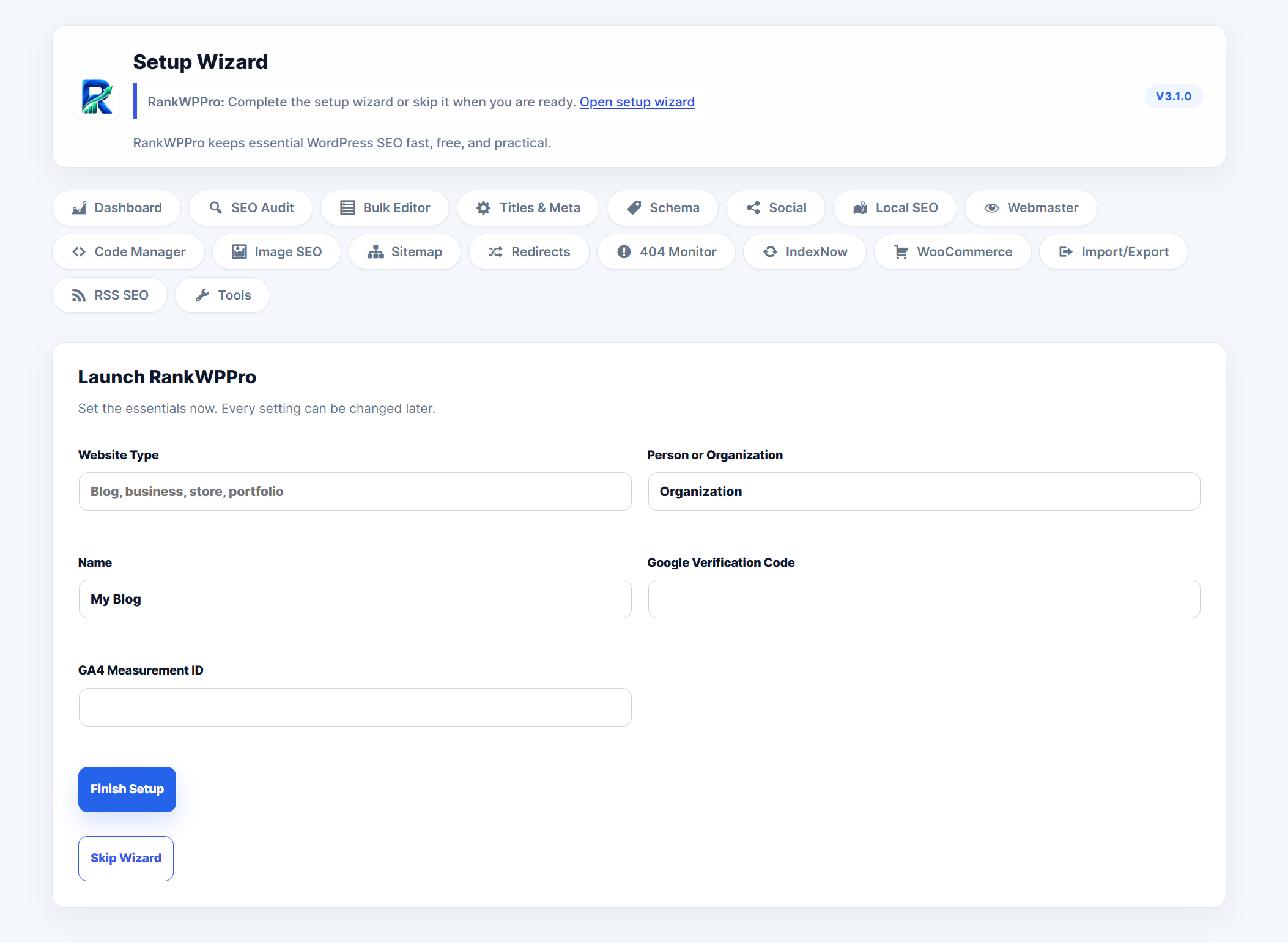
Install RankWPPro, activate it from WordPress Plugins, open the setup wizard, then run the first SEO audit. The plugin is built around one professional mode, so beginner and advanced tools live in one organized workspace.
Dashboard and SEO audit
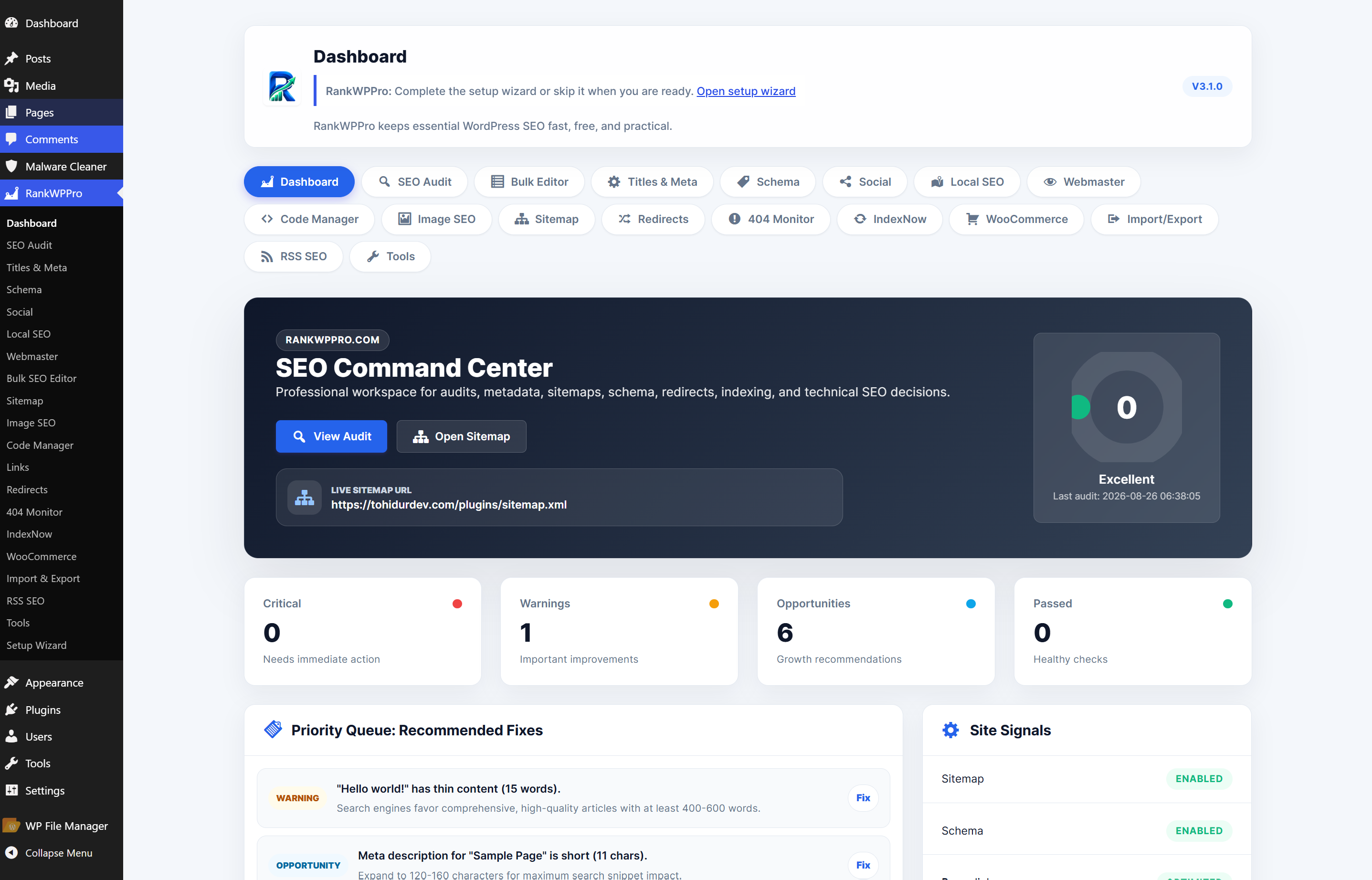
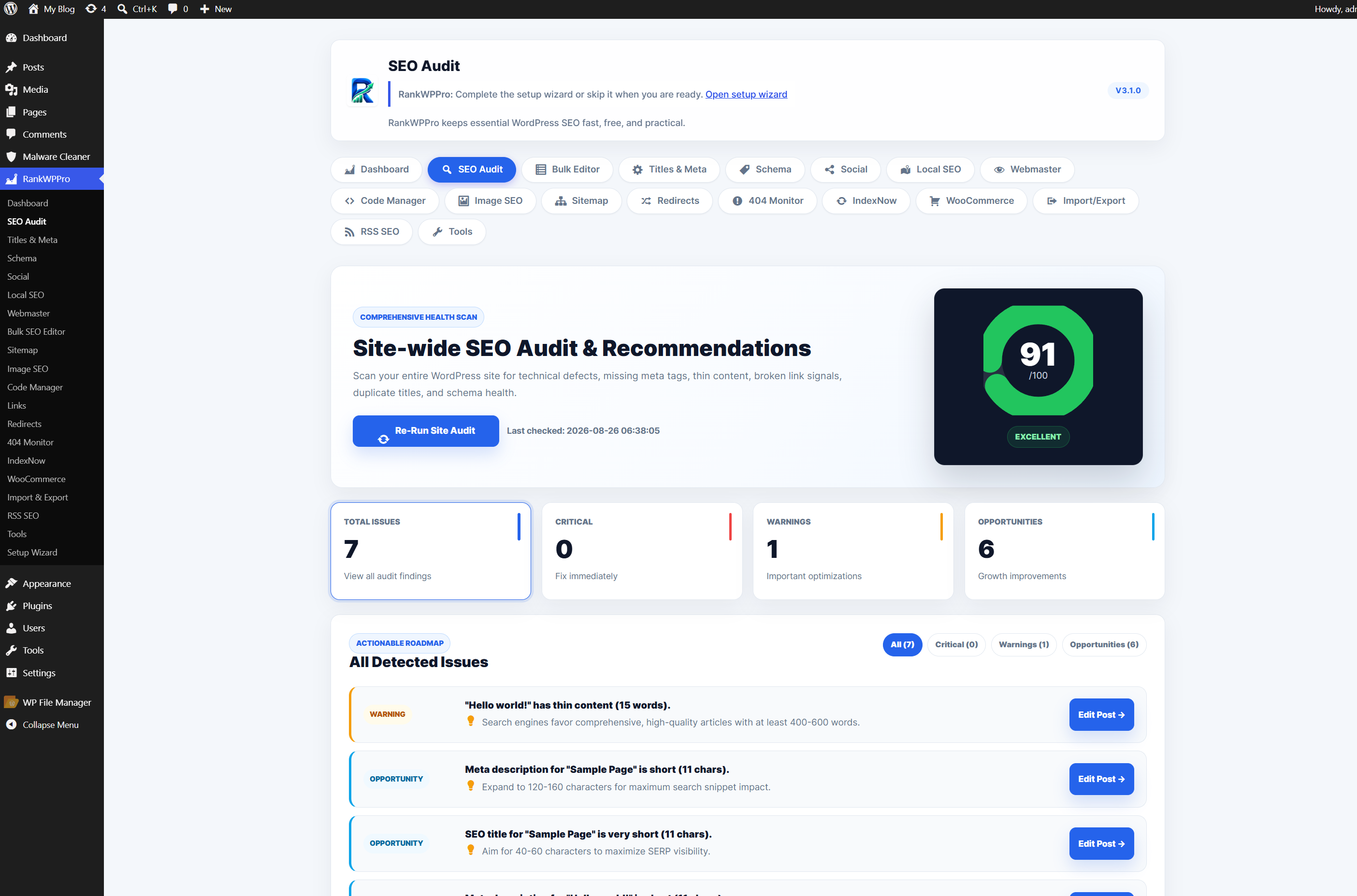
The dashboard gives a command-center view of score, sitemap URL, priority fixes, and site signals. The audit page expands those issues into a filterable action roadmap with severity, explanation, and direct edit links.
Module screens
RankWPPro includes separate screens for every major SEO workflow. Each screen has a focused form, clear action button, and module-specific controls so teams can move quickly without guessing where a setting belongs.
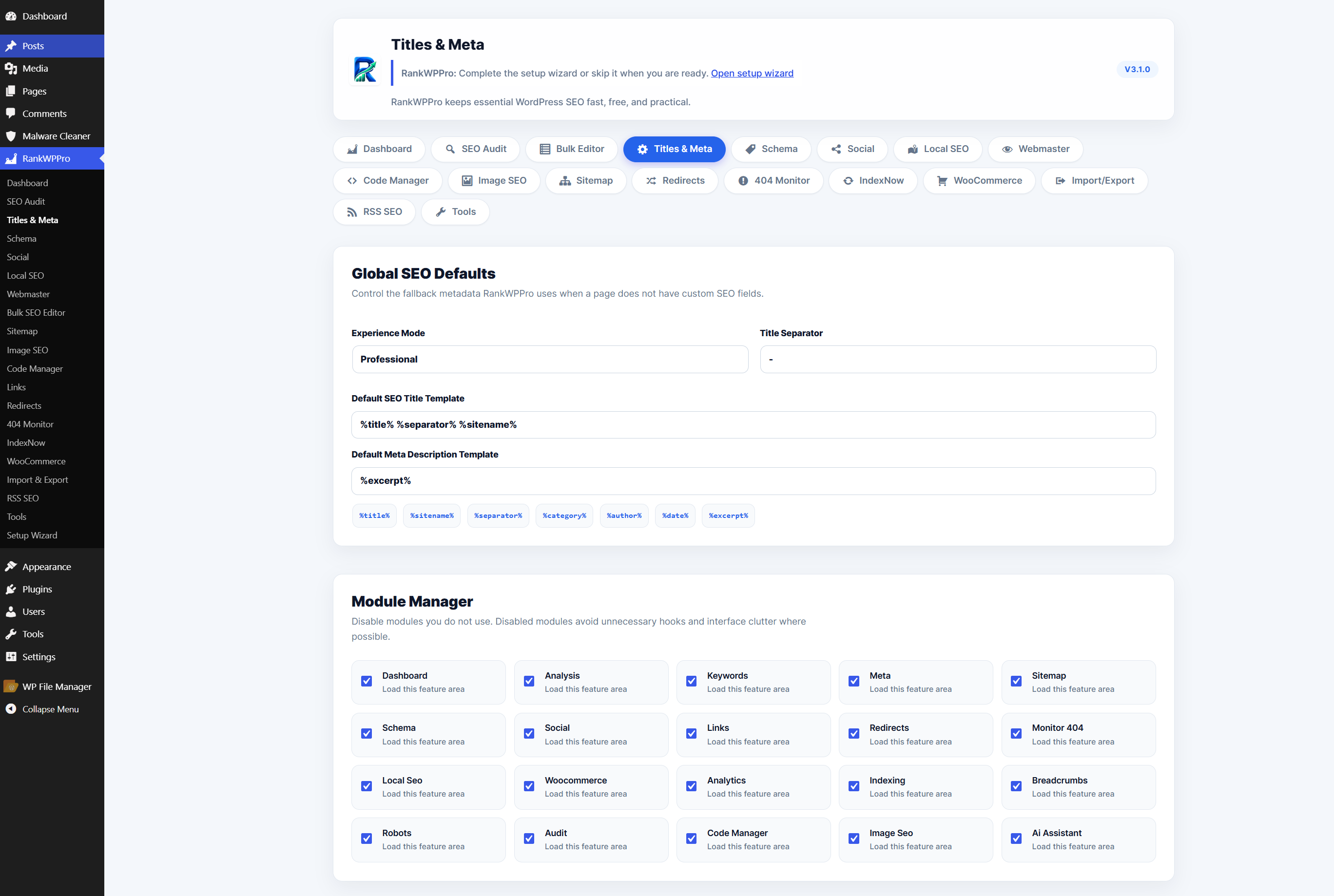
Titles & Meta
Global SEO title template, meta description template, module manager, robots rules, and uninstall data controls.
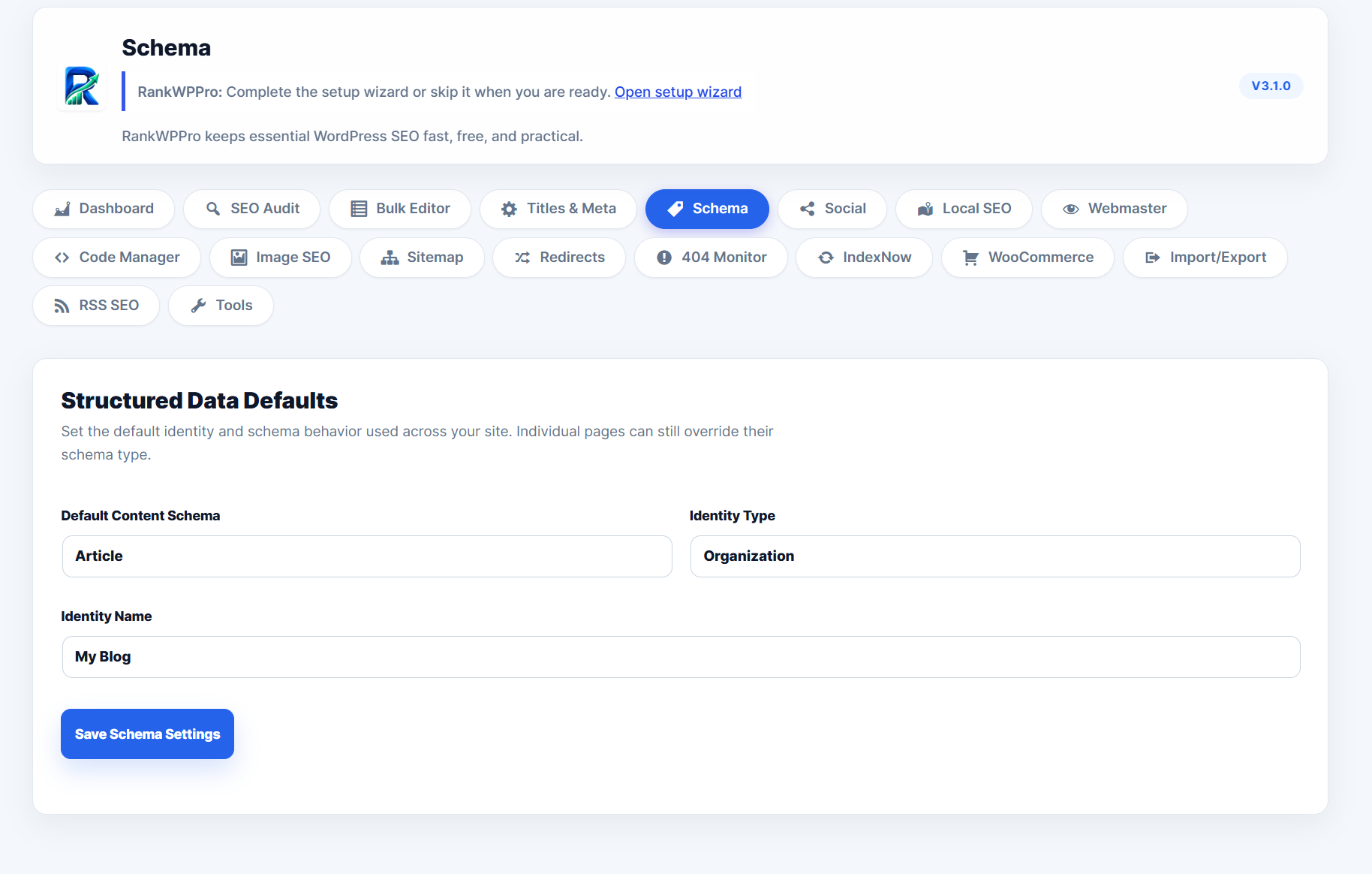
Schema
Default content schema, identity type, and organization/person entity name for JSON-LD output.
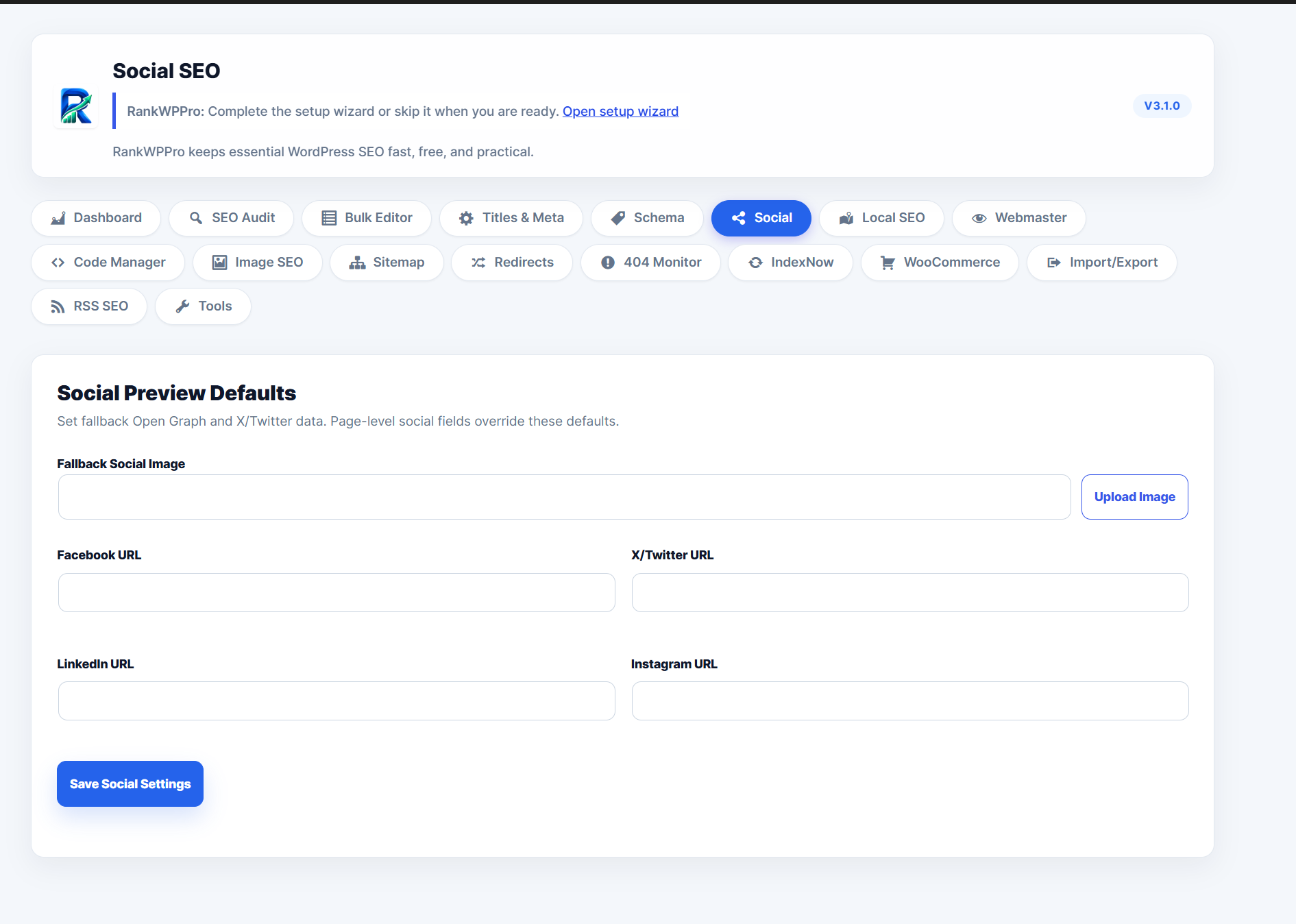
Social SEO
Upload fallback social image and save Facebook, X/Twitter, LinkedIn, and Instagram profile URLs.
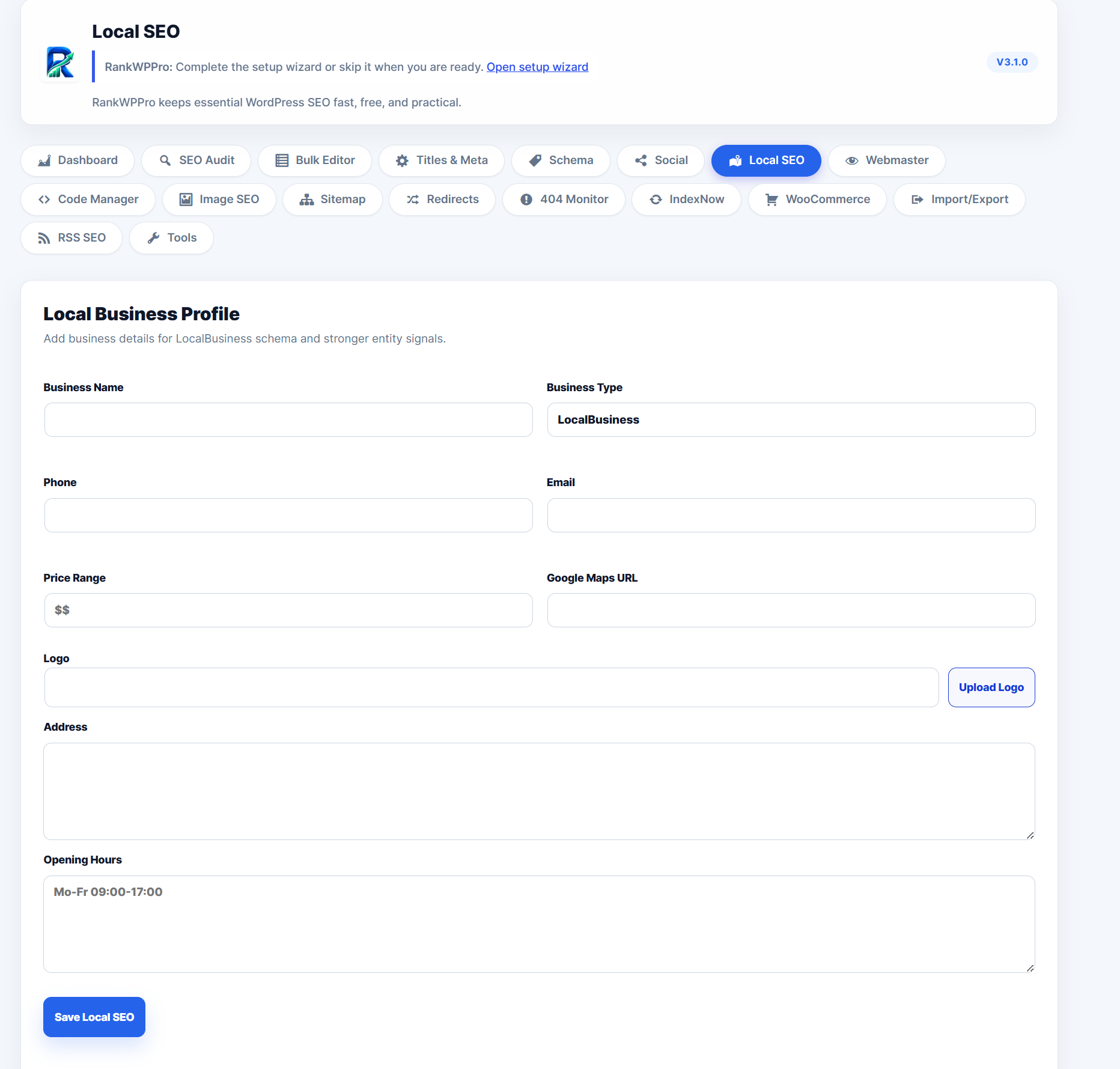
Local SEO
Business name, type, logo, address, phone, email, maps URL, price range, and opening hours.
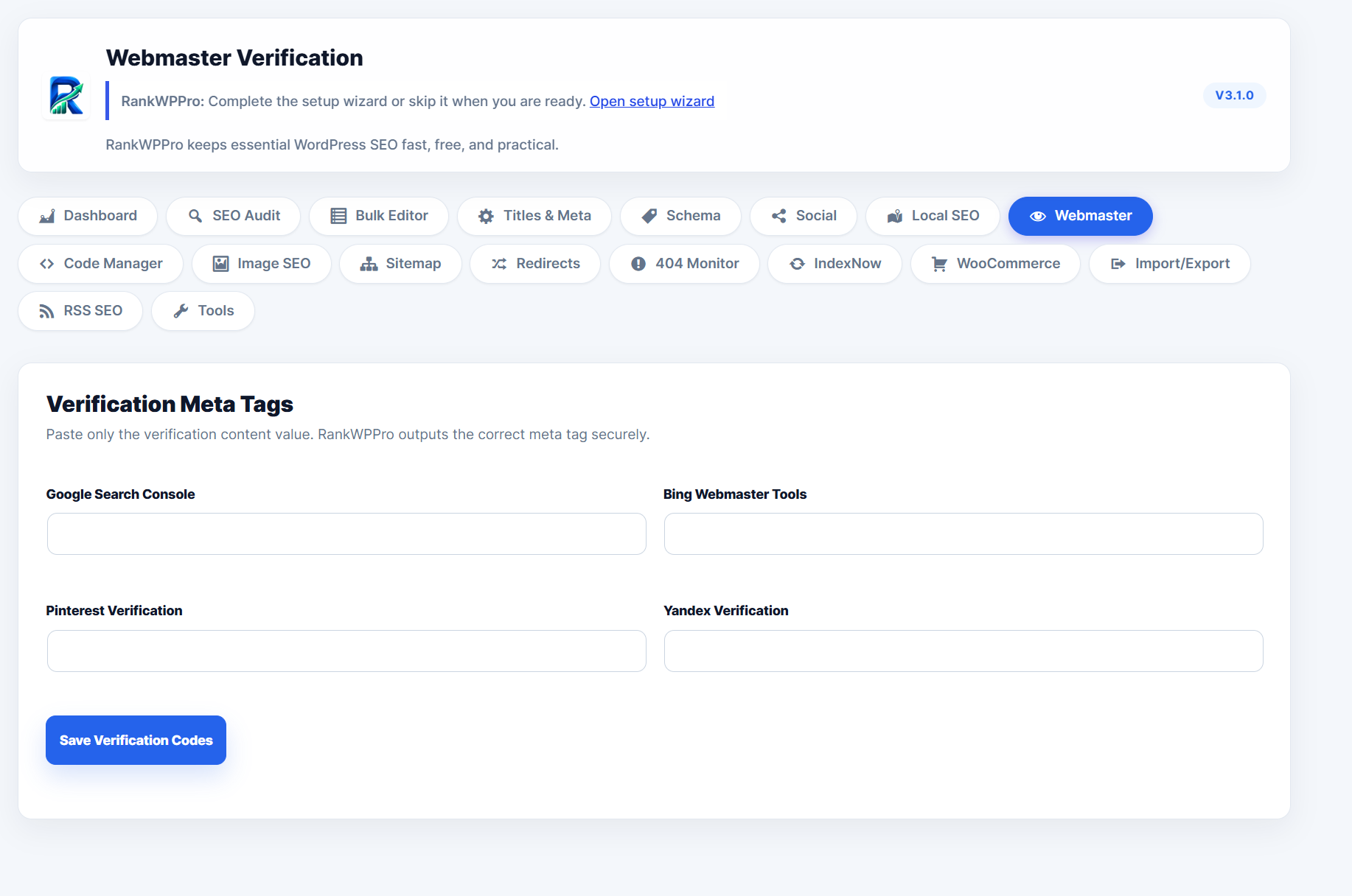
Webmaster
Secure verification fields for Google, Bing, Pinterest, and Yandex meta tags.
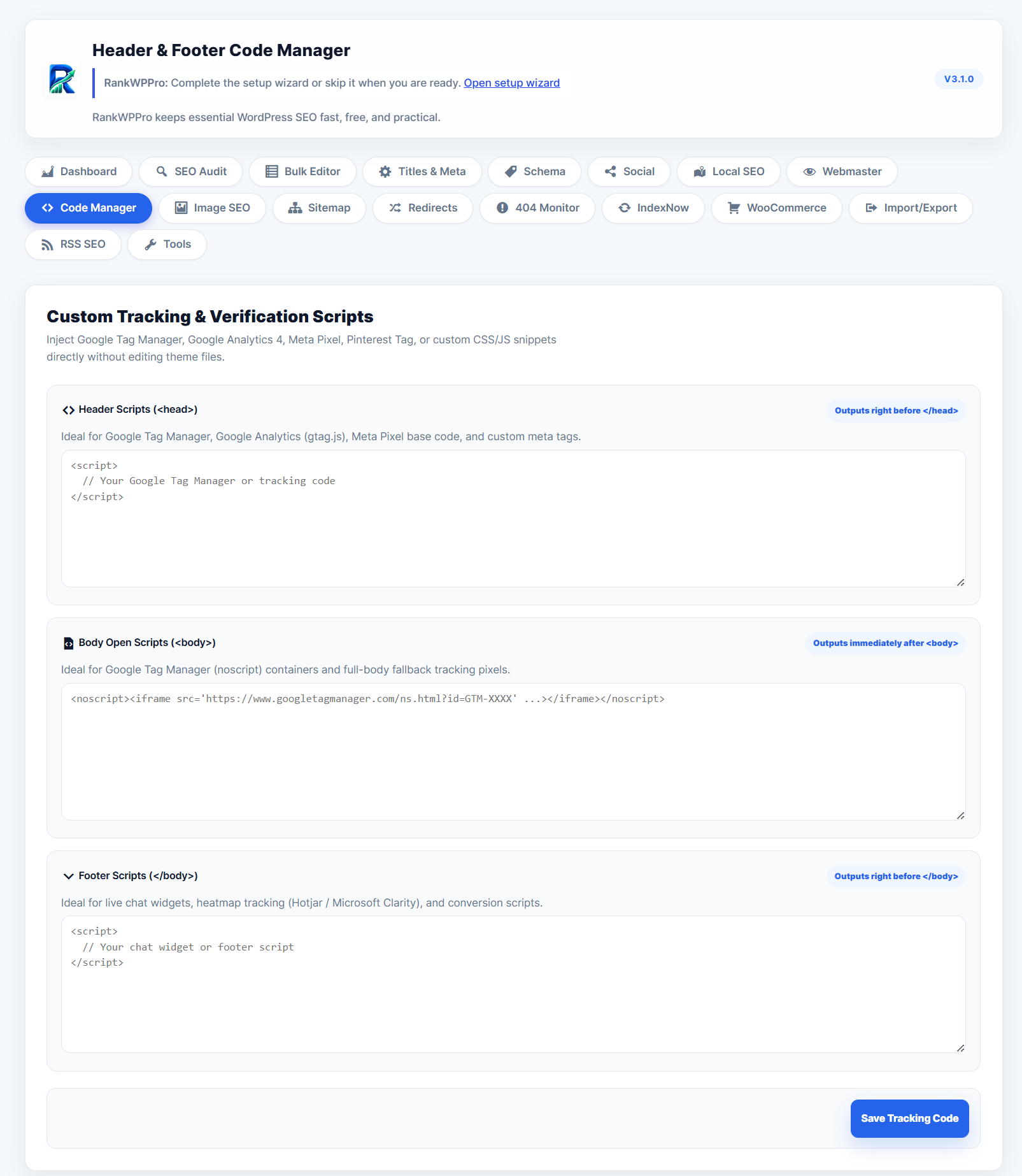
Code Manager
Manage trusted header, body, and footer scripts for analytics, pixels, and verification snippets.
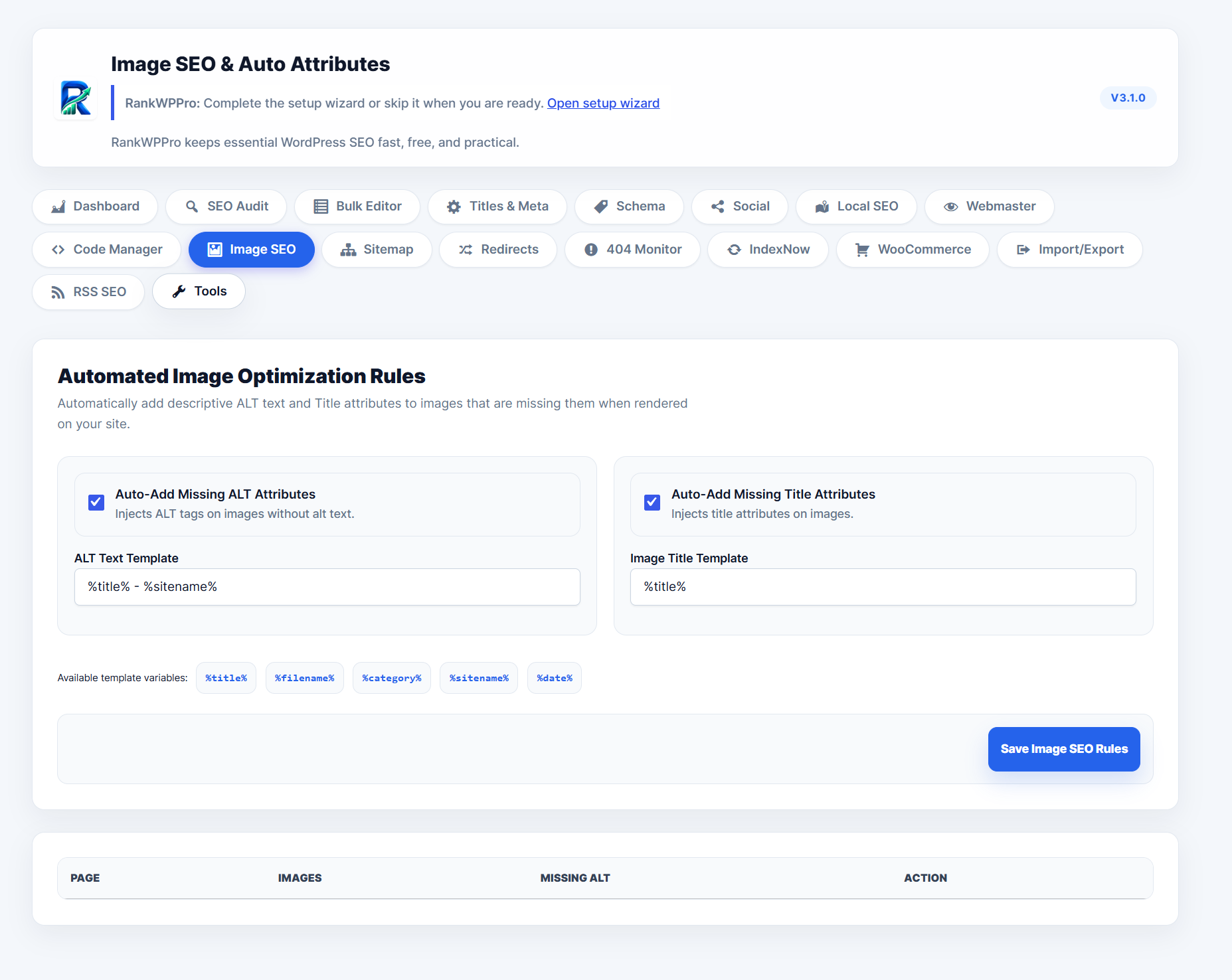
Image SEO
Automatic missing ALT and title attribute rules with template variables and image reporting.
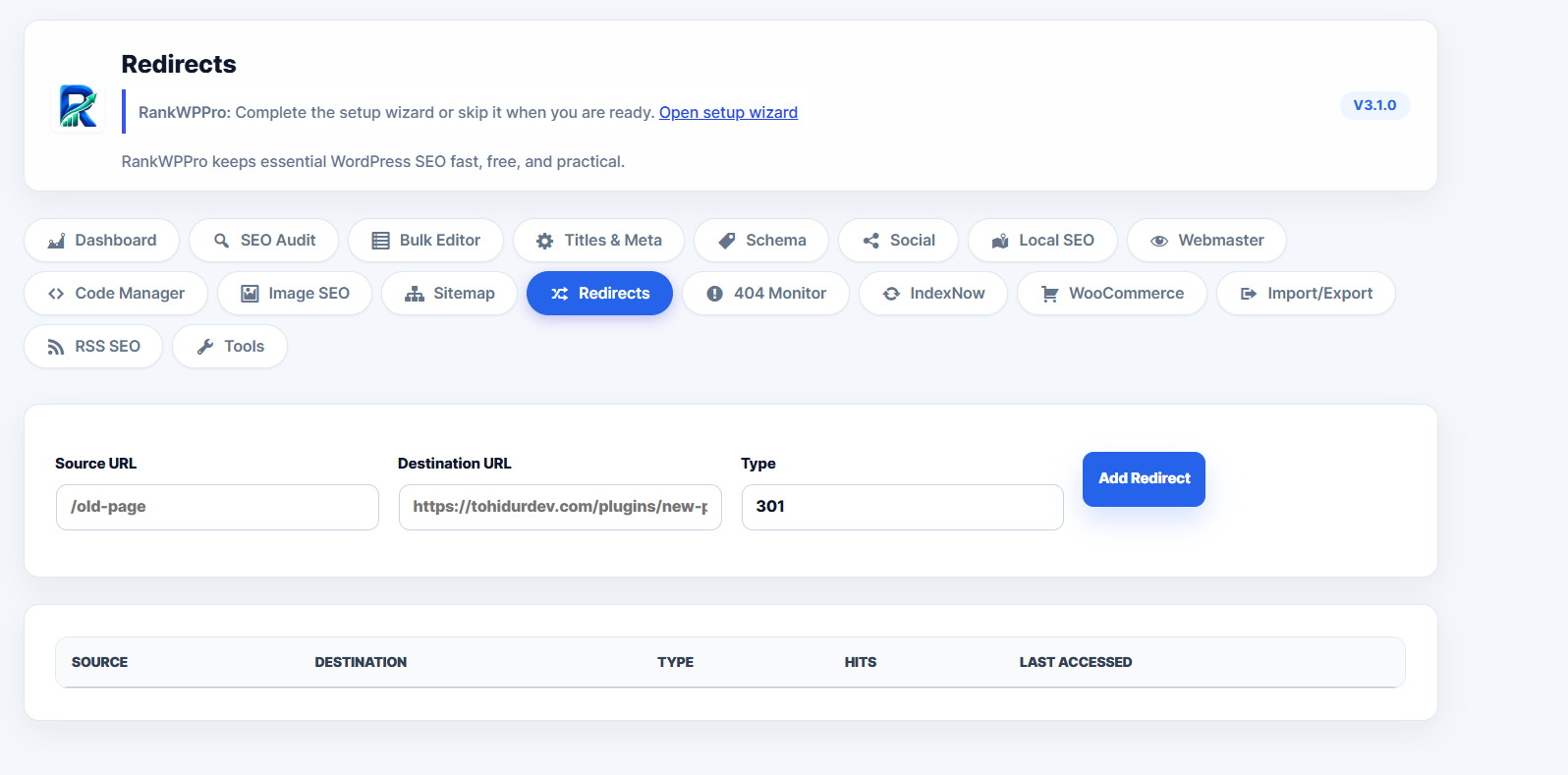
Redirects
Add source URL, destination URL, redirect type, hits, and last-accessed tracking.
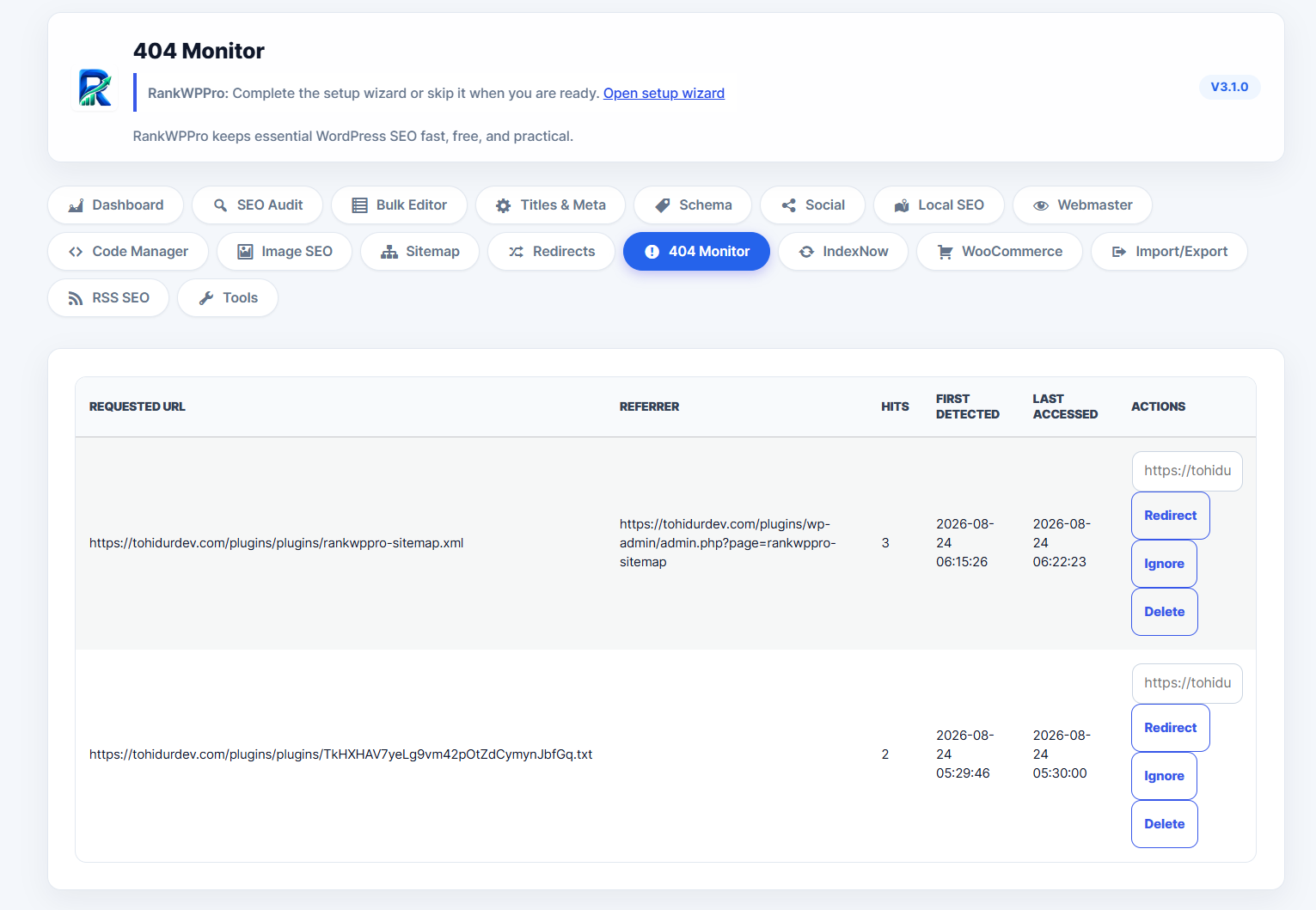
404 Monitor
Track requested URLs, referrers, hit counts, first detected time, and redirect/ignore/delete actions.
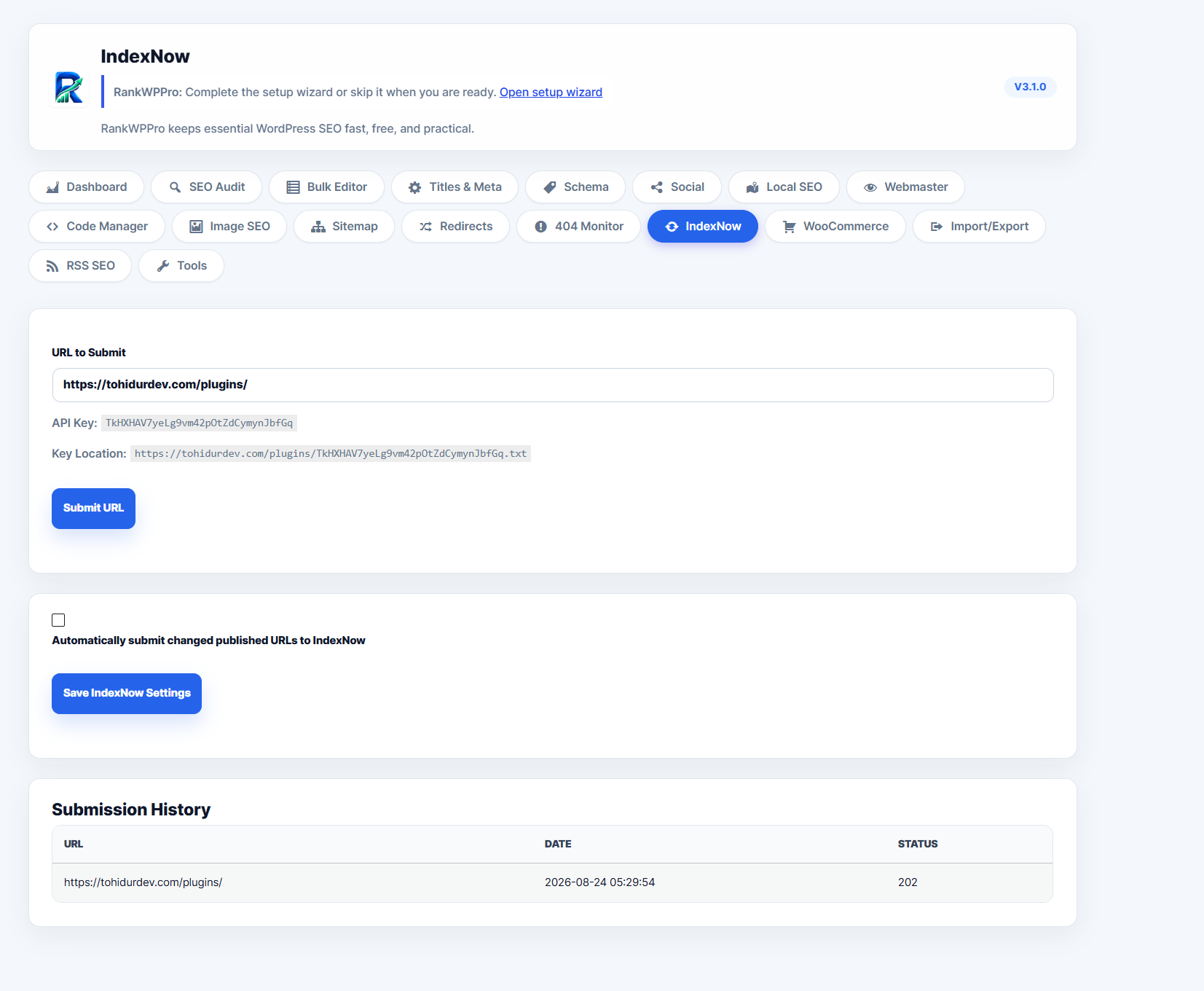
IndexNow
Submit URLs manually, expose key location, enable automatic submissions, and review history.
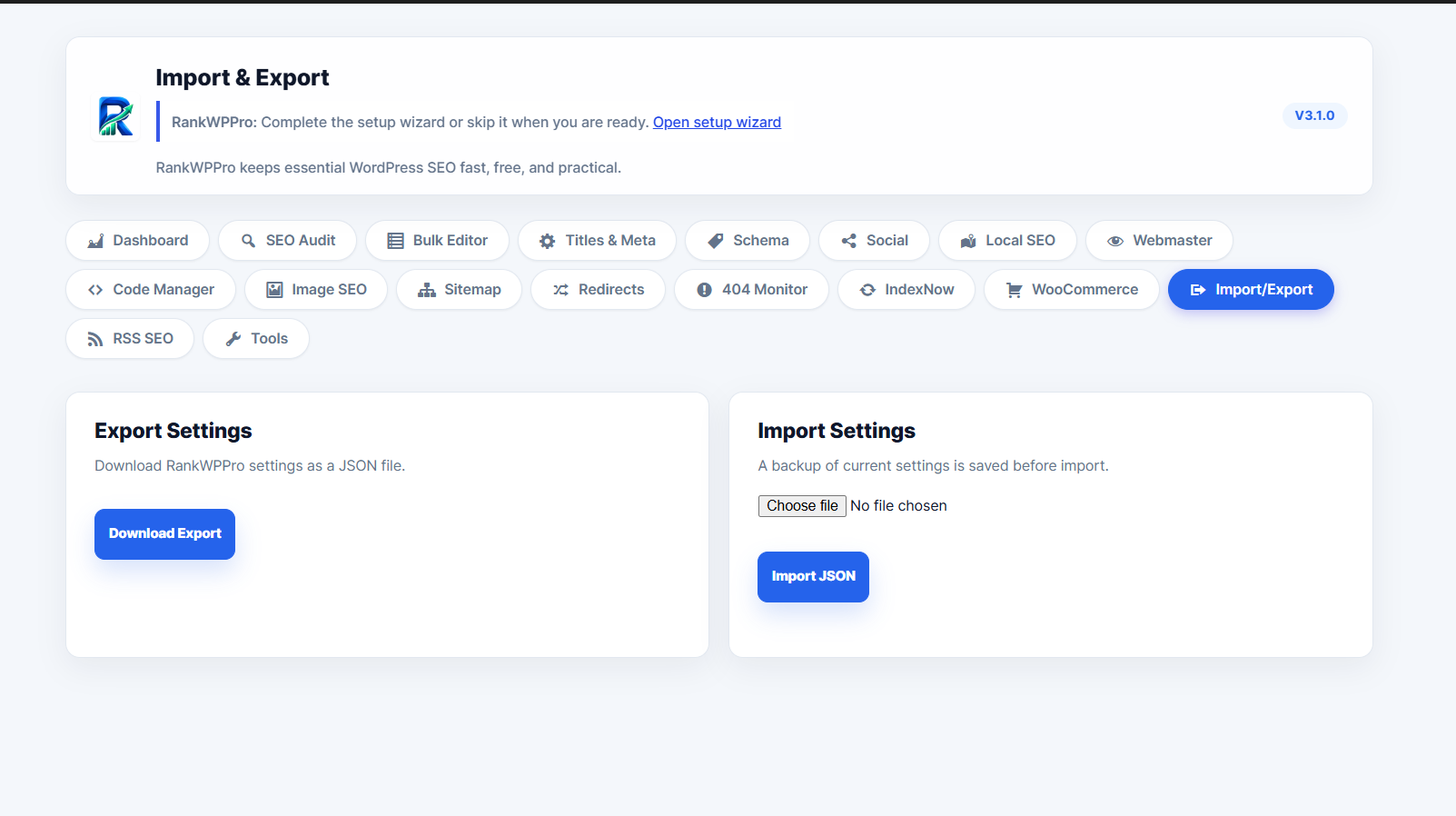
Import & Export
Download RankWPPro settings as JSON or import a settings backup with confirmation safeguards.
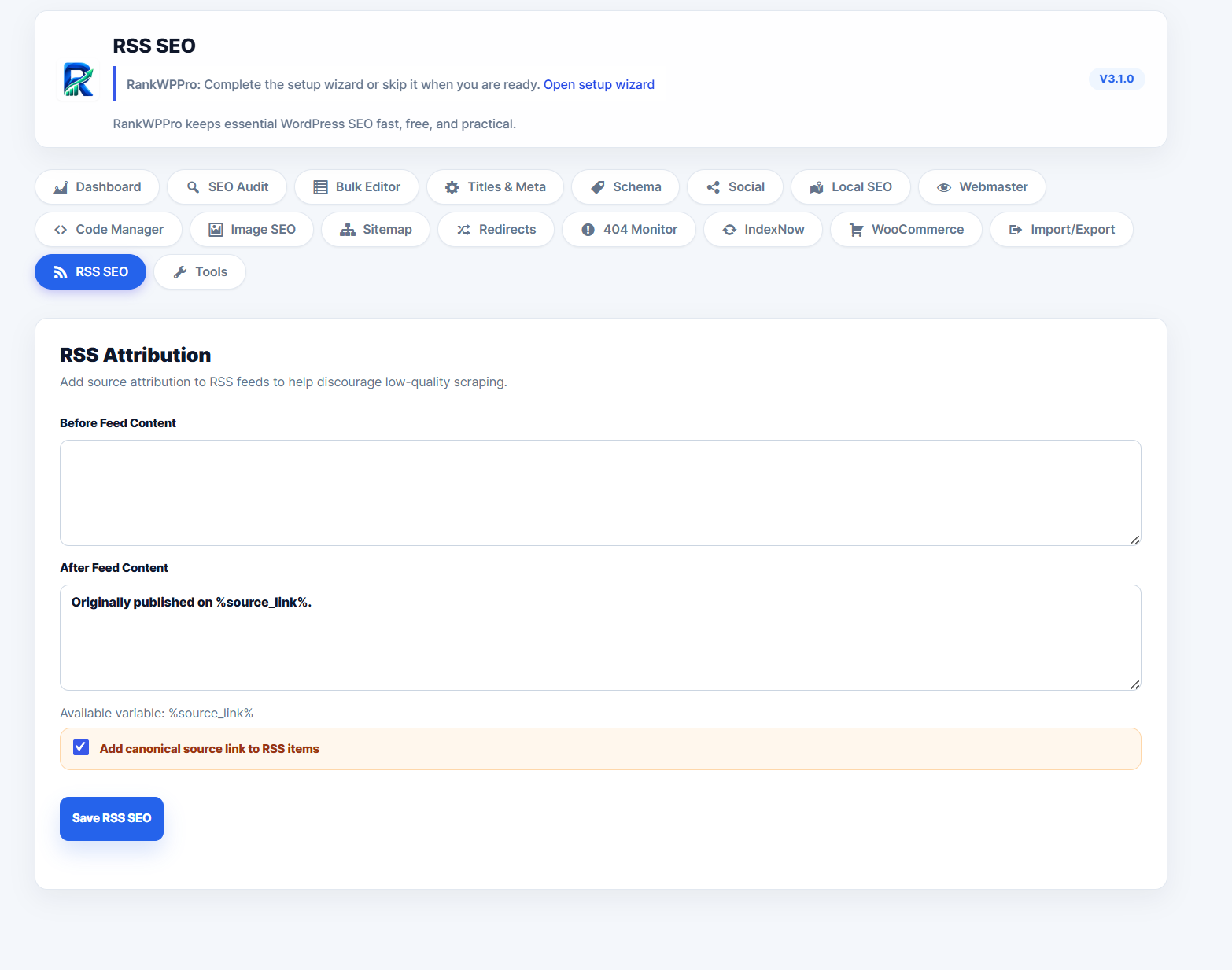
RSS SEO
Add before/after feed attribution and canonical source links to RSS content.
Sitemap and discovery
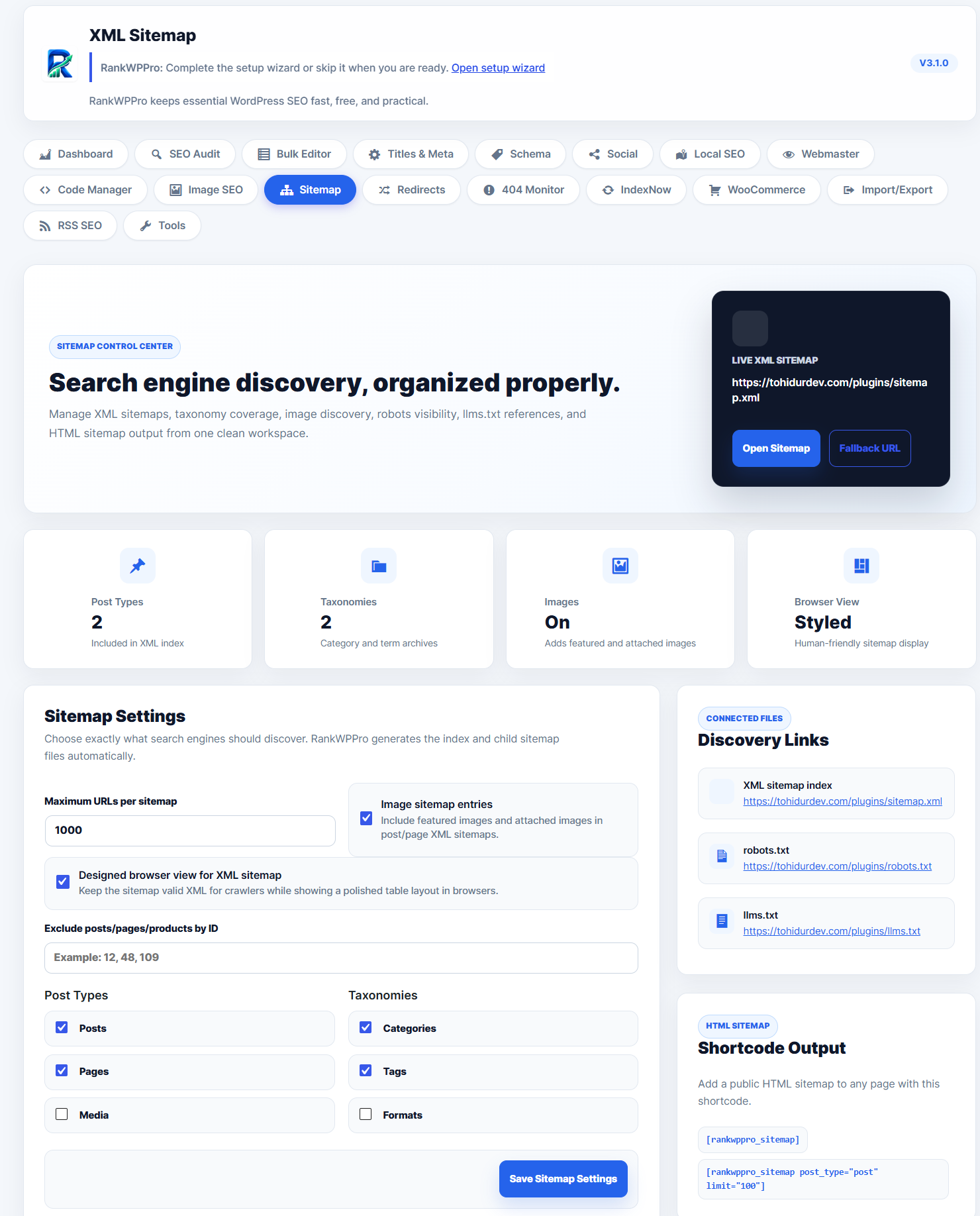
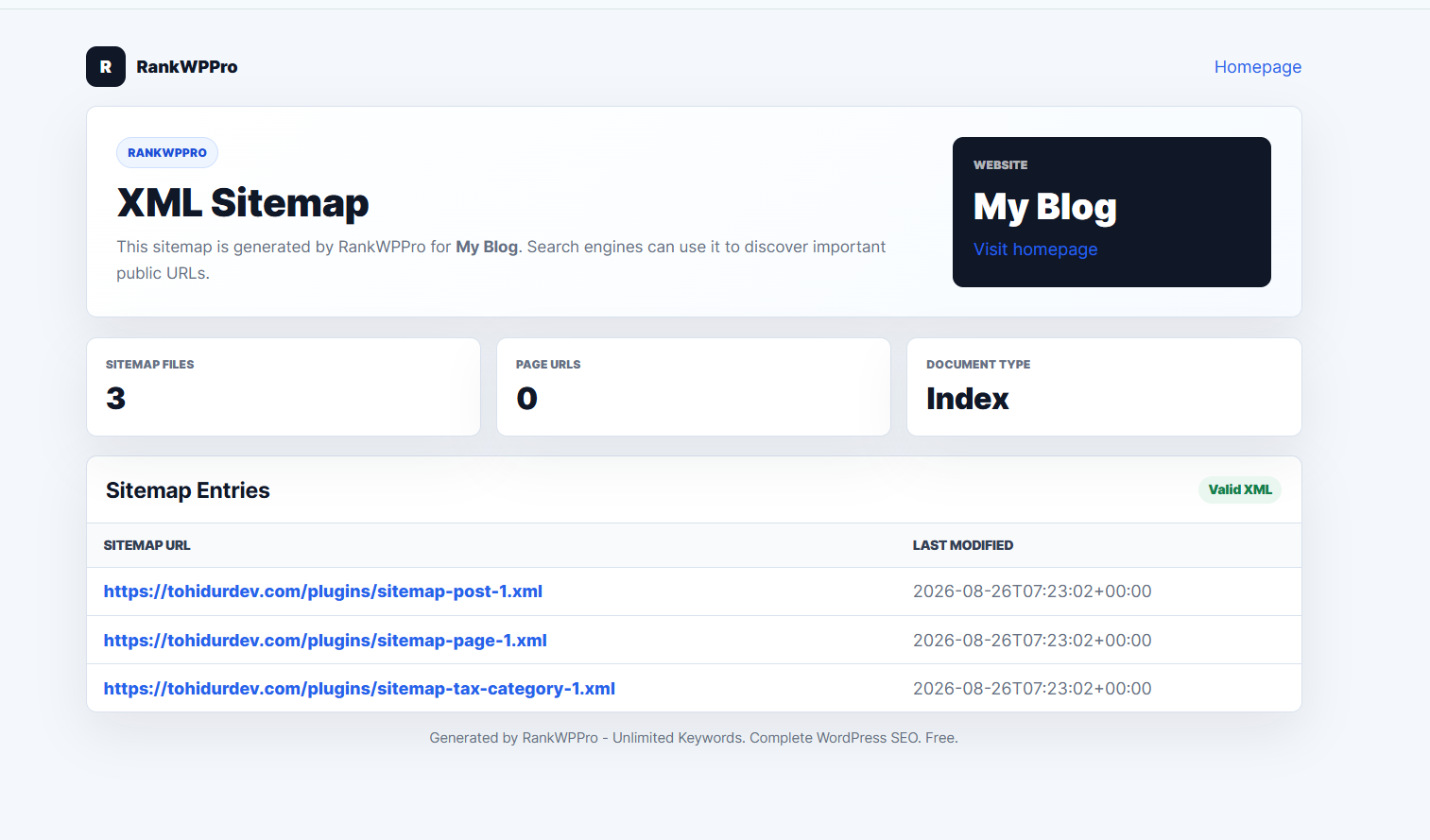
The sitemap module manages XML sitemap entries, images, taxonomy coverage, browser styling, robots.txt links, llms.txt, and public HTML sitemap shortcode output.
Post editor SEO suite
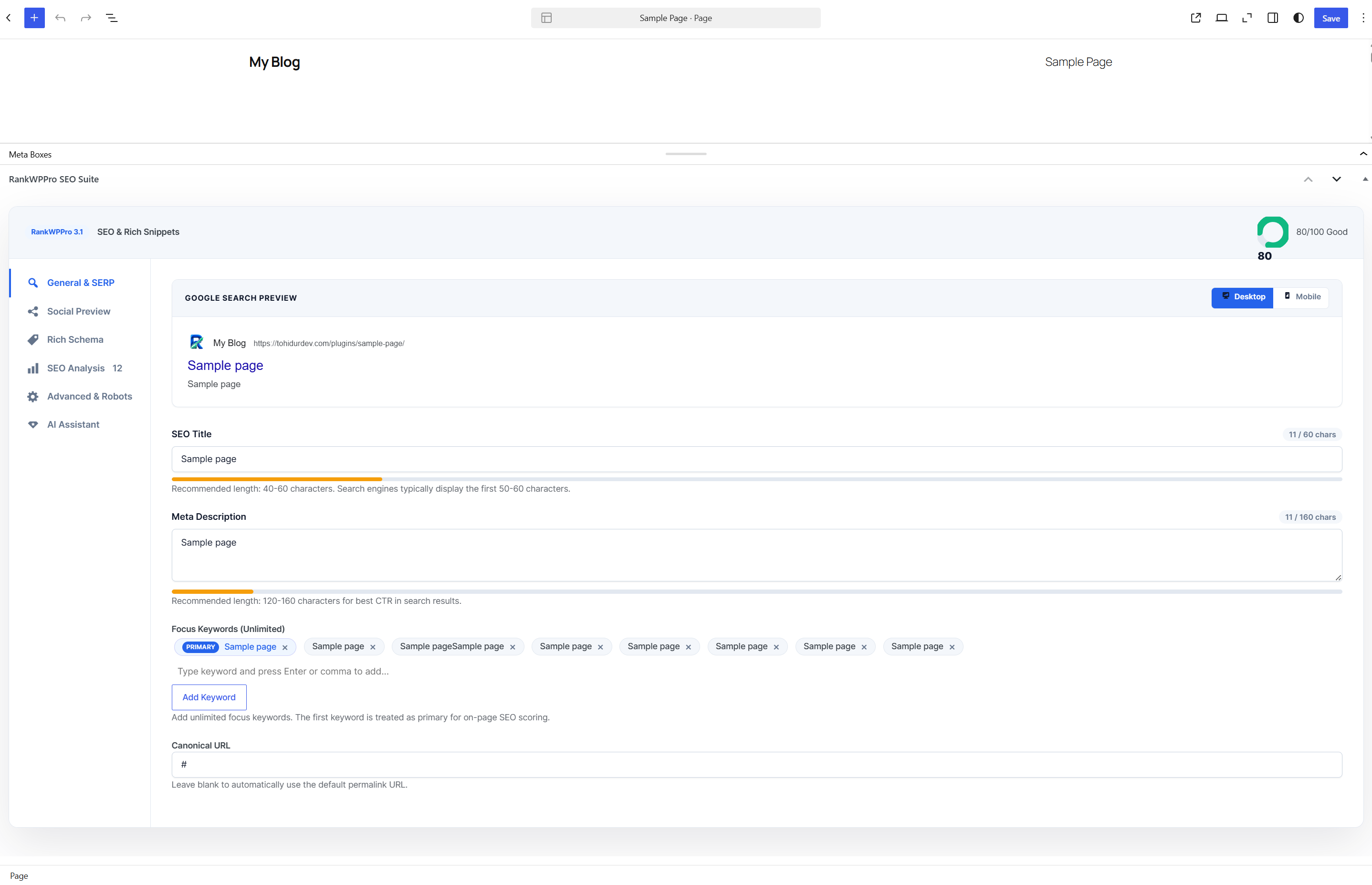
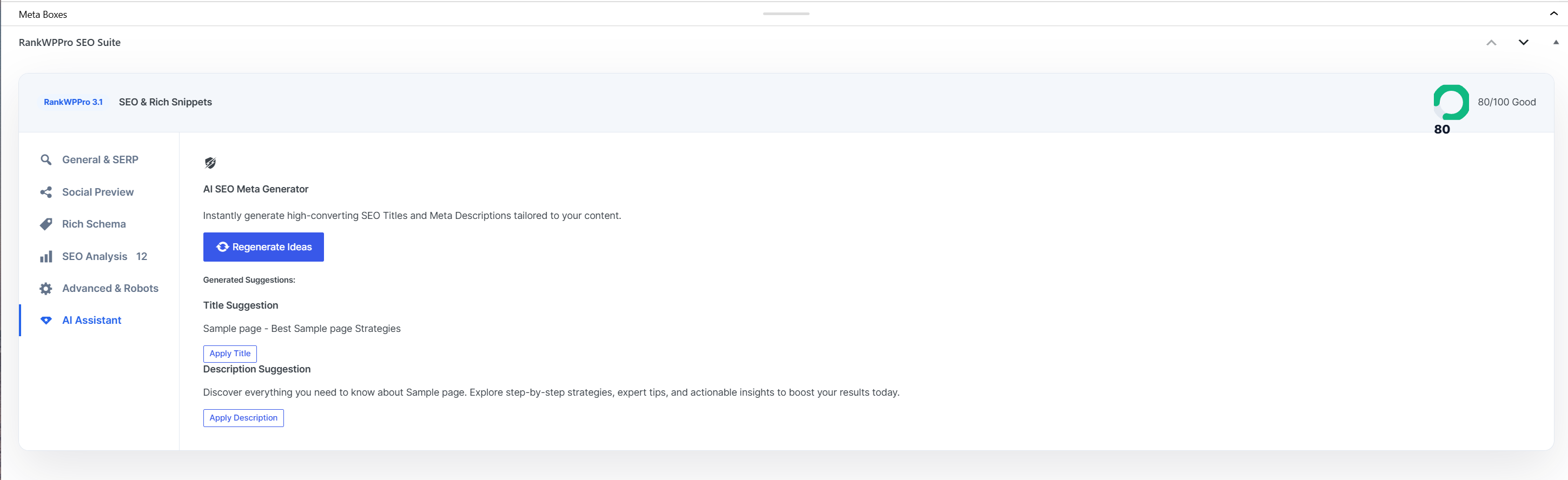
Inside the editor, RankWPPro provides SERP previews, unlimited focus keyword chips, canonical and robots controls, social previews, rich schema controls, SEO analysis, and an AI-assisted title/description suggestion workflow.
Maintenance and support
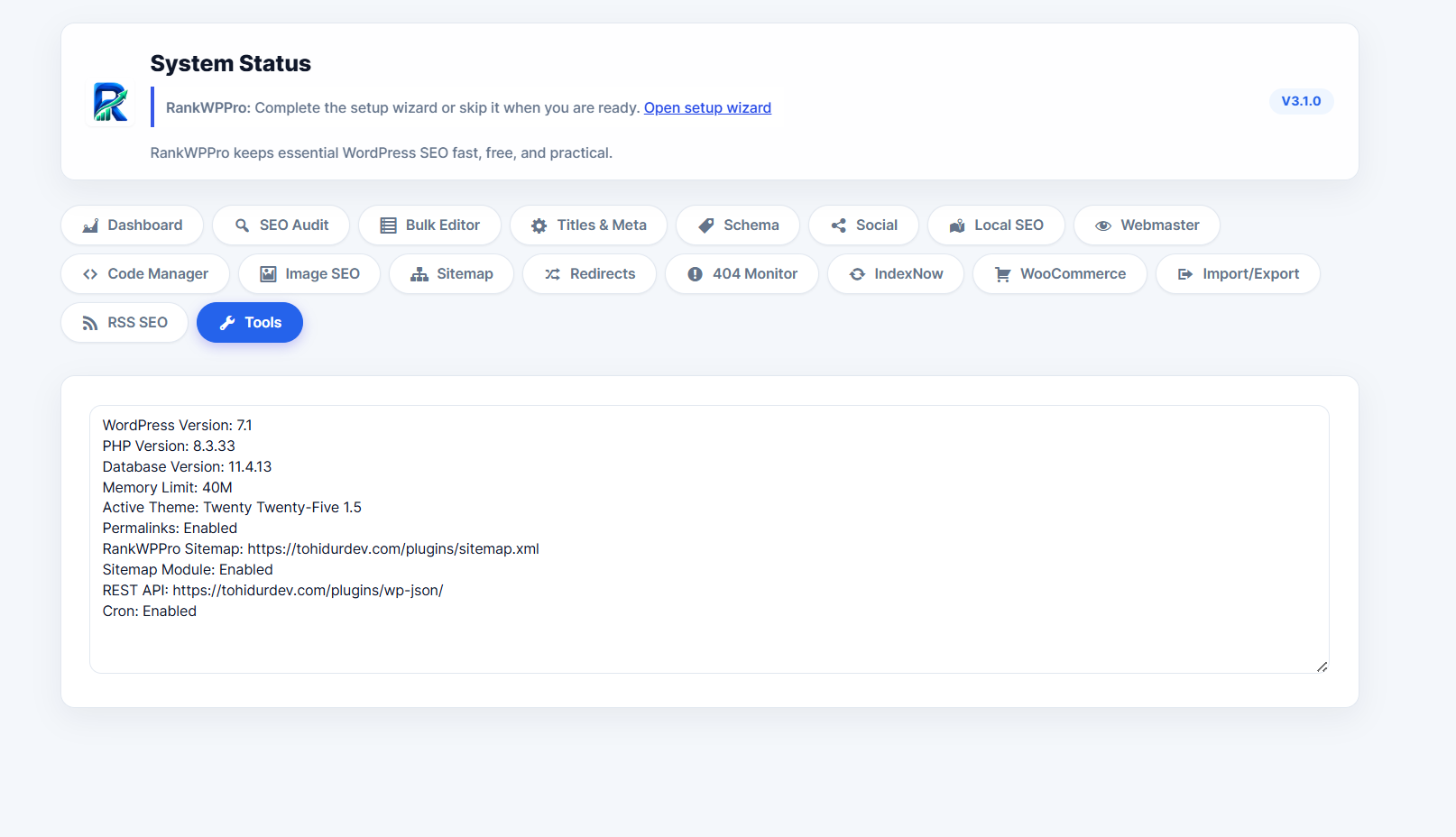
Use System Status when troubleshooting. It summarizes WordPress, PHP, database, memory, theme, permalink, sitemap, REST API, and cron information without exposing sensitive credentials.